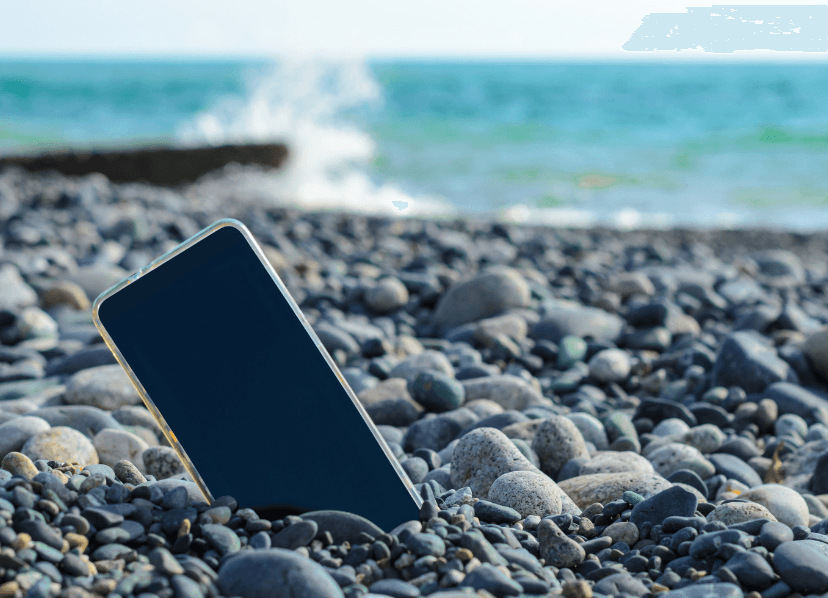
It happens to all of us. One moment, your smartphone is in your hand, and the next, it’s simply nowhere to be found. Maybe it slipped out of your pocket at the supermarket, or you left it on a table at a café.
Because we use our smartphones for everything from keeping in touch with family to checking the weather, losing one can feel very overwhelming. That’s why we created this simple, step-by-step guide, along with a downloadable checklist, to help you stay calm, protect your information, and hopefully get your phone back quickly.
From retracing your steps and using the built-in tracking tool to locate your phone, to contacting your service provider, securing your accounts, and informing your loved ones and the police. Find all these steps explained in detail below:
Step 1: Retrace Your Steps
Before imagining the worst, take a deep breath. Most “lost” phones are just misplaced.
Think back to the last place you used your phone. Check common spots: pockets, bags, your car, or around the house. Sometimes it’s hiding on a table, between couch cushions, or even in the kitchen. If you have another phone handy, give your number a call.
Step 2: Use Technology to Help
Most smartphones have built-in tools you can access from any computer, tablet, or friend’s phone to help you find and secure your device.
Follow the step-by-step guide below to find your phone:
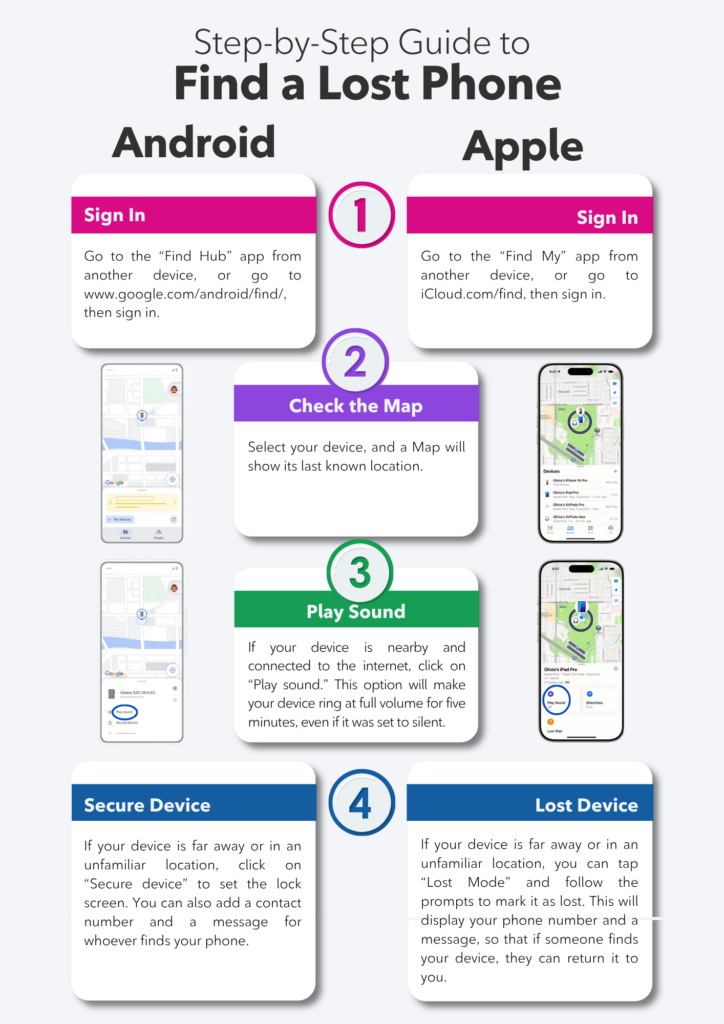
Satellite Feature: This feature is available on iPhone 14 or newer devices running iOS 16.1 or later. To share the mobile location via satellite when no cellular service is available. You can enable the satellite location in the “Find My” app on your device.
These tools are often turned on automatically when you set up your phone, so there’s a good chance they’re ready to use. If not, you can easily turn them ON. If this feels a bit overwhelming, don’t hesitate to ask a trusted friend or family member to help you get everything set up.
If you’ve tried tracing your phone and still can’t find it, or suspect it has been stolen, it’s time to act to protect your personal information and prevent anyone else from using your device.
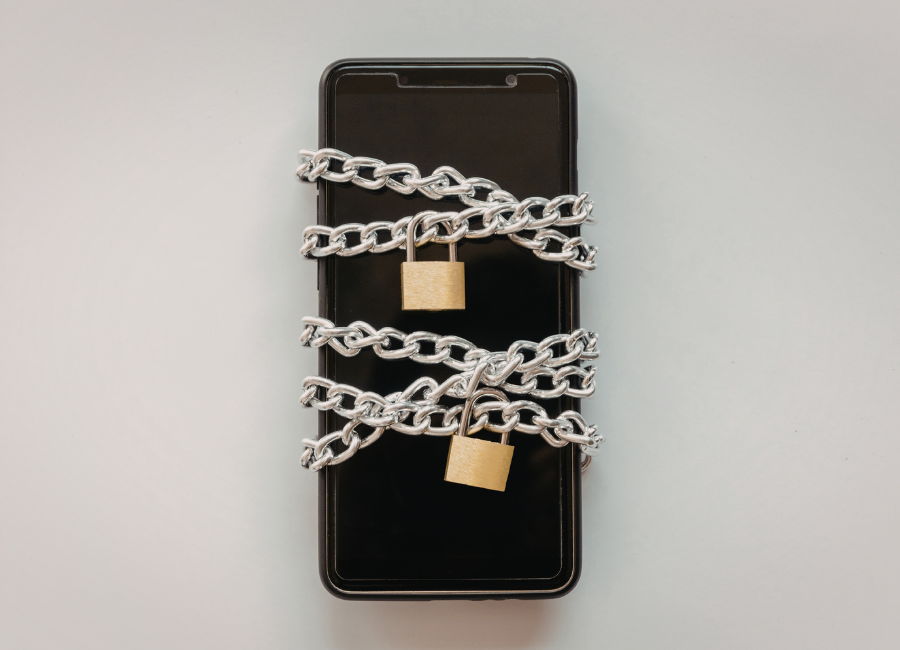
Step 3: Lock Your Device Remotely
If you are sure your phone is lost or stolen, go back to the tracking website (from Step 2) and select “Mark as Lost” or “Secure Device”.
This locks the screen with a passcode so a stranger cannot see your photos or apps.
You can even display a message on the screen that says: “This is a lost phone, please call [any other accessible phone number].”
As a last resort, you can erase your device, which permanently removes your personal data to protect your privacy if the phone is lost for good. All backed-up data can be restored on your new device.
Step 4: Call Your Service Provider
Just like you would call your bank to cancel a lost credit card, you should call your service provider to have your service suspended, the device blocked, and your number transferred to a new phone. You should call their customer service line as soon as you realize the phone is truly gone:
- Temporarily suspend your service: to prevent calls, texts, or data use.
- Block the device to prevent misuse.
- Get help transferring your number to a new phone if needed
Request a replacement: Having a Premium Device Protection plan will make you skip the stress and often help you get a replacement phone quickly, sometimes as soon as the next day.
Think of your service provider as your partner in keeping your phone and personal information safe; they’re there to help you through situations like this.
Step 5: Protect Your Information
If you have banking, email, or other sensitive apps on the phone, log in from another device and change your passwords or remove the lost phone from your accounts. Taking these steps quickly keeps your information safe and gives you a clear plan while you figure out your next move.
Always monitor your accounts and check recent activity on your bank, email, and social accounts for unusual logins, unexpected password reset emails, or unauthorized transactions. Report anything suspicious immediately.
Step 6: Let Your Loved Ones Know
When you have a moment, let your close family and friends know that you lost your phone. This stops them from worrying if they cannot reach you. It also protects them just in case someone finds your phone and tries to send them a text message pretending to be you.
Step 7: Report the Theft to the Police
File a report with your local police station. Provide:
- Phone details (make, model, color, IMEI/serial number)
- Approximate time and place it was stolen
- Any tracking information from Find My iPhone or Find My Device
Having a police report can help if the phone is recovered and may be needed for insurance claims.
Before Anything Happens: Your “Digital Seatbelt”
Just like you put on a seatbelt before you start the car, there are a few small things you should do today that will make a lost phone much easier to handle.
- Make sure your phone has a strong passcode or uses biometric security (like Face ID or fingerprint).
- Ensure your “Find My” (for iPhone) or “Find Hub” (for Android) setting is turned ON in your phone’s settings menu.
- Take a moment to write down your Apple ID or Google account password and keep it in a safe, physical place, like a locked drawer or a dedicated address book. If your phone goes missing, you will need that password to log into a computer and track it down.
- Back up your data to iCloud or Google Drive, and keep a record of your IMEI or serial number, as well as any account and banking passwords, somewhere safe.
- Get Premium Device Protection: Think of this as your ultimate safety net. Enrolling in a Premium Device Protection plan today means you’re covered for more than just loss. It provides peace of mind for accidental damage, liquid spills, and other issues. Most importantly, it ensures that if the unthinkable happens, you can get a replacement device as early as the next day. Having this protection in place means that a lost or broken phone is just a temporary hiccup, not a total loss.
Conclusion: You’re Not Lost, Just Temporarily Disconnected
While losing a smartphone is certainly a headache, remember that a phone is just a device; it can be replaced, but your peace of mind is what matters most. By setting up your “digital seatbelts” and having Premium Device Protection in place, you ensure that you protect your hard-earned money and keep your personal memories, data, and finances safe. Whether it’s a cracked screen or a missing device, having that protection means you’re never more than 24 hours away from being back in touch with the people you love. Technology is a wonderful tool for staying connected, and having a plan like this ensures you can use it with confidence.
Note: To help you stay prepared, I have included my “My Lost Phone Emergency Checklist” below. You can download and print it to keep on your fridge or in your address book, so you can consult it whenever you need! Download here.
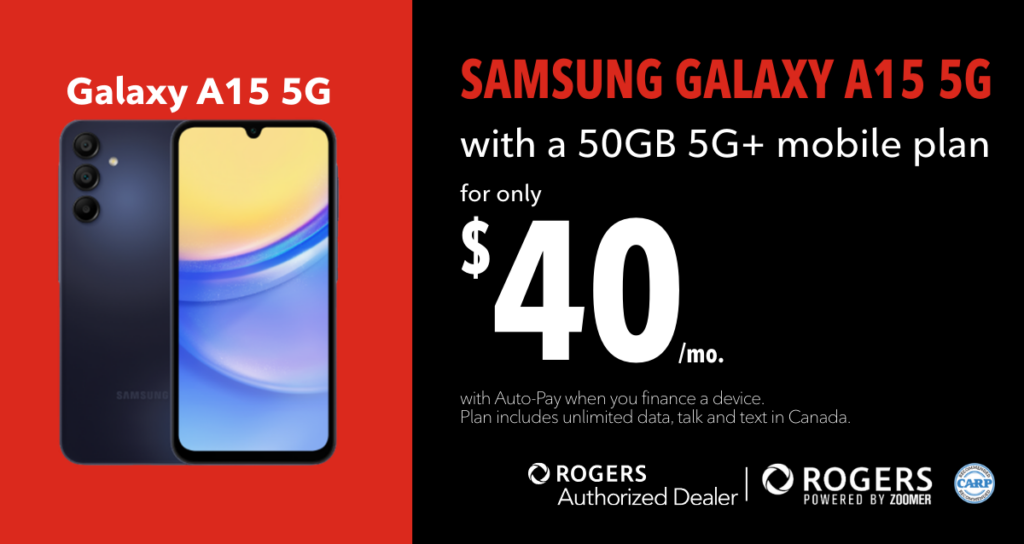
Simplify your connection with Rogers powered by Zoomer.
Designed with Canadian seniors in mind, this CARP-recommended partnership offers affordable Rogers 5G+ plans that make staying connected effortless.
Whether you’re calling family, browsing photos, or exploring new smartphone features, there’s a plan that fits your lifestyle.
Enjoy great savings, reliable coverage, and friendly, personalized service from Red Wireless, your exclusive Rogers authorized dealer.
Let’s get you started. Contact a dedicated Red Wireless Account Manager today at 1-888-271-4866 or visit www.redwireless.ca/zoomer.